Create a brand
- 1
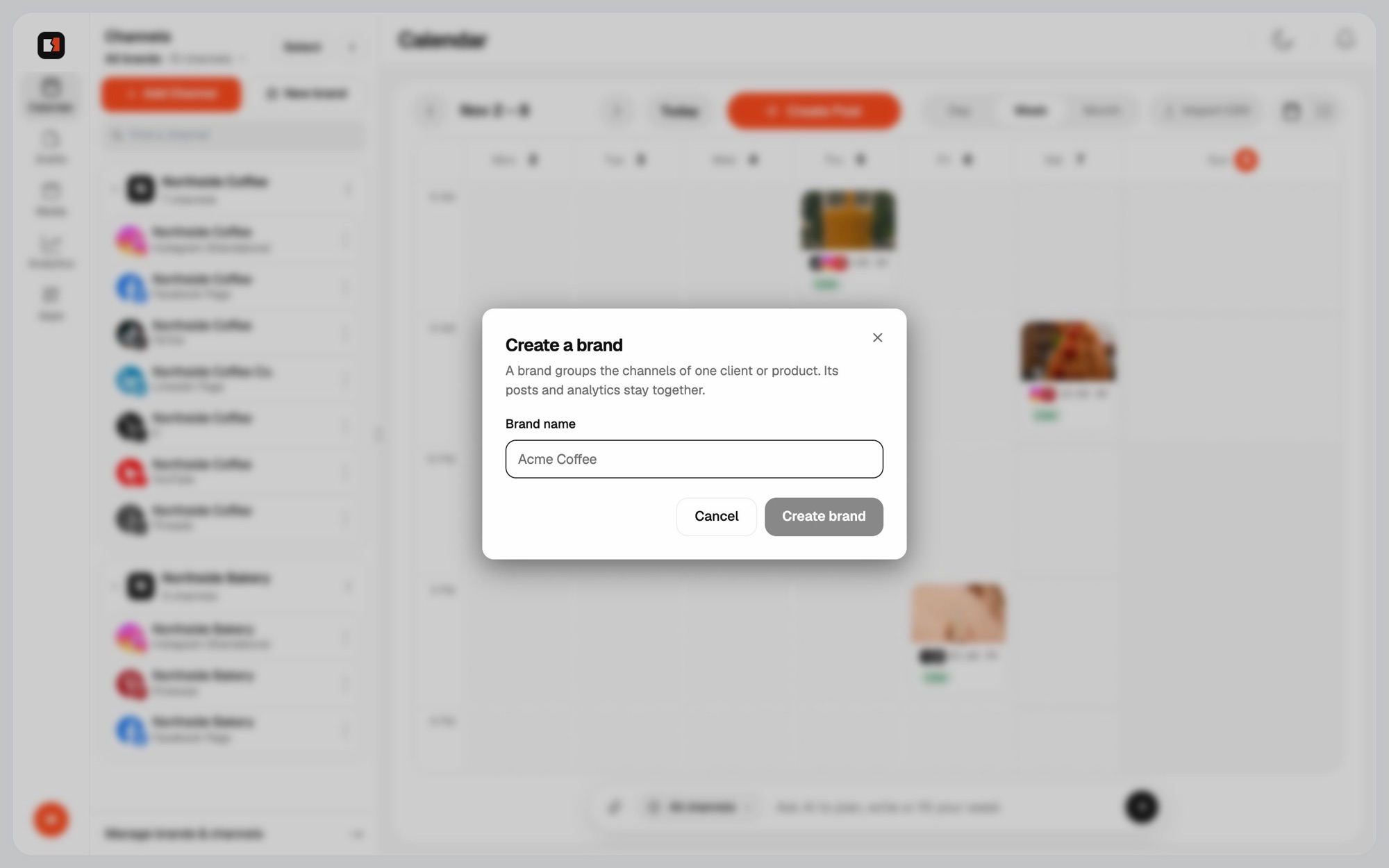
Click New brand in the channels panel.
- 2
Type the name of the client or business, and click Create brand.
- 3
Click + Add Channel under the brand to connect its accounts, or move channels into it.
Then pick the brand from the menu at the top of the calendar, drafts or analytics to see only its posts and numbers.
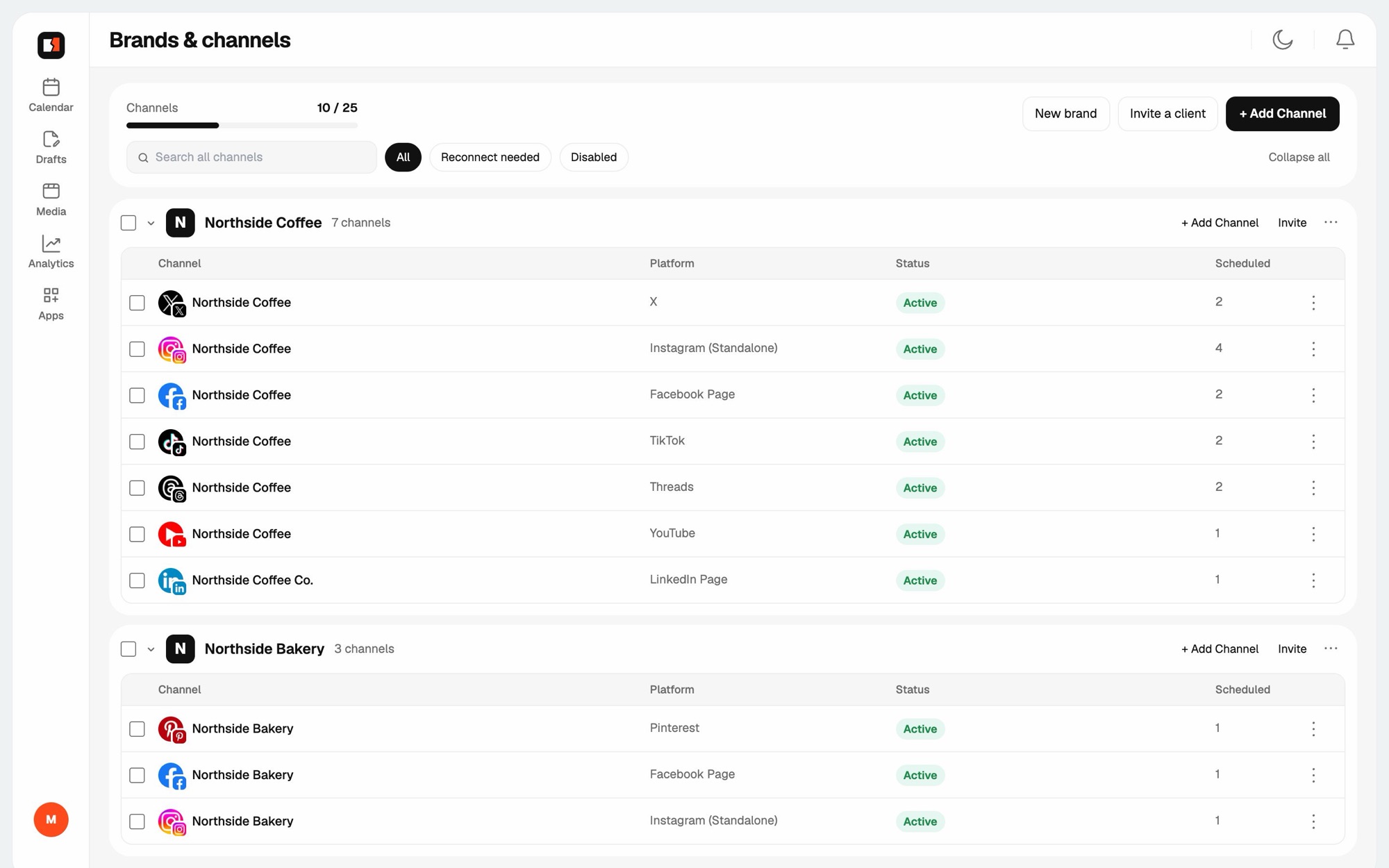
The Brands & channels page lists every brand with its channels, status and scheduled posts. Use Invite a client to let a client connect their own accounts without sharing passwords.
Invite your team
- 1
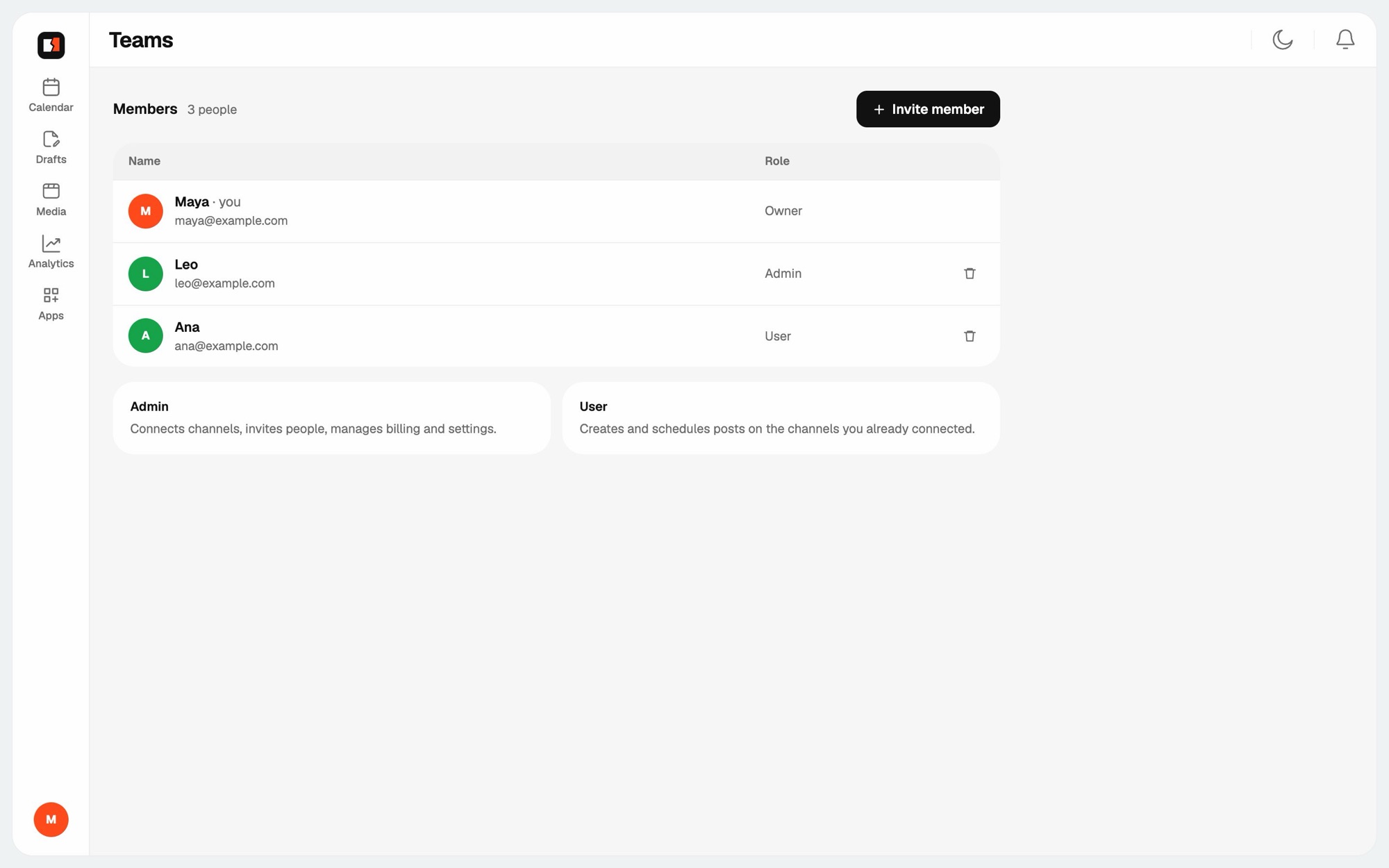
Open Teams from the account menu: click your avatar at the bottom left.
- 2
Click Invite member.
- 3
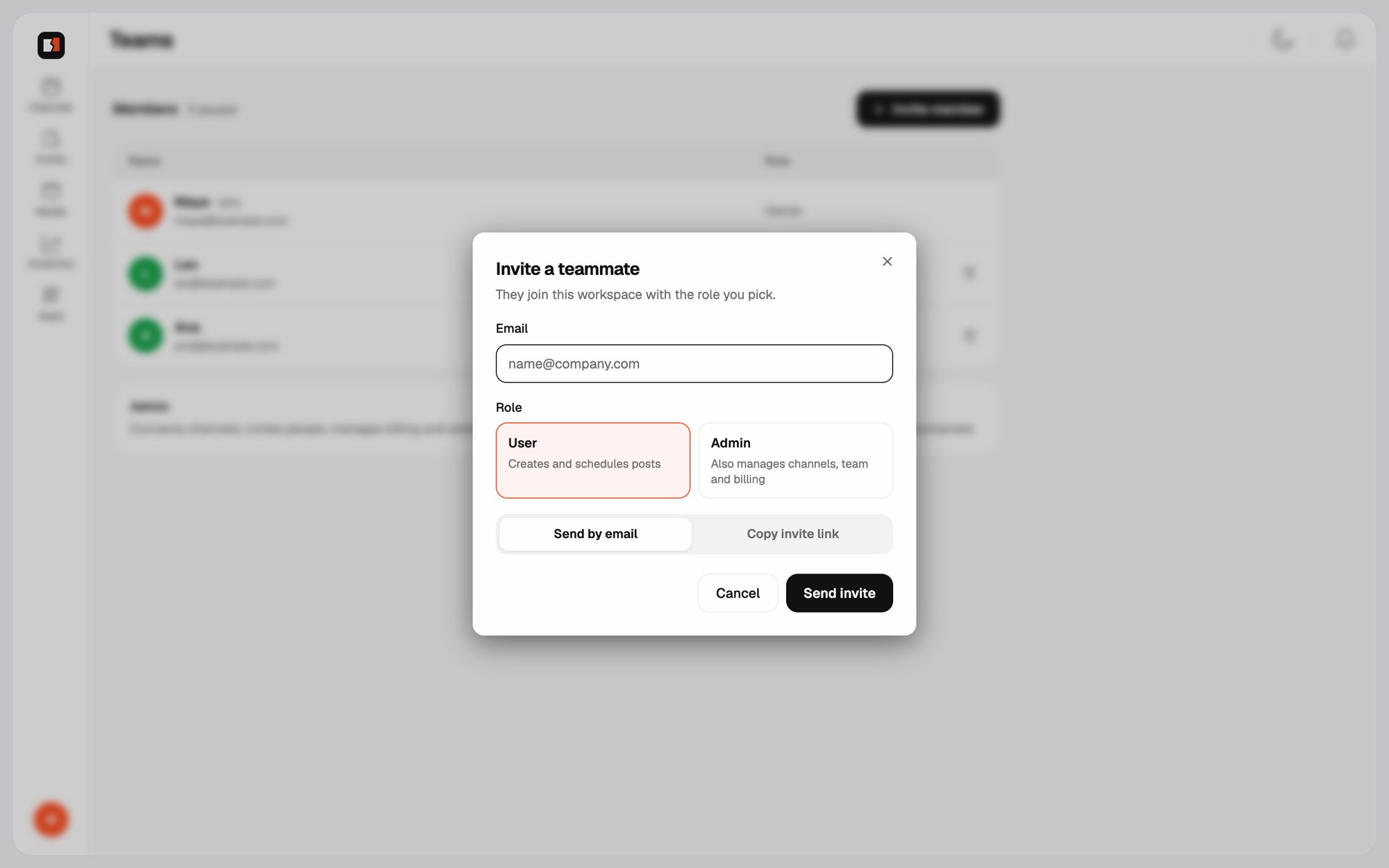
Type their email and pick a role.
- 4
Click Send invite, or switch to Copy invite link and send the link yourself.
| Role | Can do |
|---|---|
| Admin | Connects channels, invites people, manages billing and settings. |
| User | Creates and schedules posts on the channels you already connected. |
Questions people ask
Can a client connect their accounts without giving me their password?
Yes. Use **Invite a client** on the Brands & channels page.
Can I remove a teammate?
Yes. An admin can remove anyone from the Teams page.