How to post on your Facebook profile
- 1
Open Facebook and tap What's on your mind? at the top of your feed.
- 2
Write your post. Tap Photo/video to add pictures, or paste a link to show a preview.
- 3
Tap the audience button under your name: Public, Friends or a custom list.
- 4
Tap Post.
How to post as a Facebook Page
- 1
Switch to your Page: tap your profile picture, then pick the Page from the list.
- 2
Tap What's on your mind? on the Page.
- 3
Write, add photos or video, and tap Next.
- 4
Choose Post now, or Schedule to pick a date and time. Tap Post or Schedule.
How to post in a Facebook group
Open the group, tap Write something..., write your post and tap Post. Some groups hold posts for an admin to approve first. Read the group rules before posting anything that looks like an ad.
Facebook limits
| What | Limit |
|---|---|
| Characters | 63,206 characters |
| Media | Text only, photos, or 1 video |
| Stories | Need a photo or video, each one is its own story |
| Video title | Optional, for video posts |
| Accounts | Facebook Pages |
| Format | Best size |
|---|---|
| Feed photo | 1080 × 1350 px (4:5) or 1080 × 1080 px |
| Link image | 1200 × 630 px |
| Stories and Reels | 1080 × 1920 px, 9:16 |
Post on Facebook and Instagram together
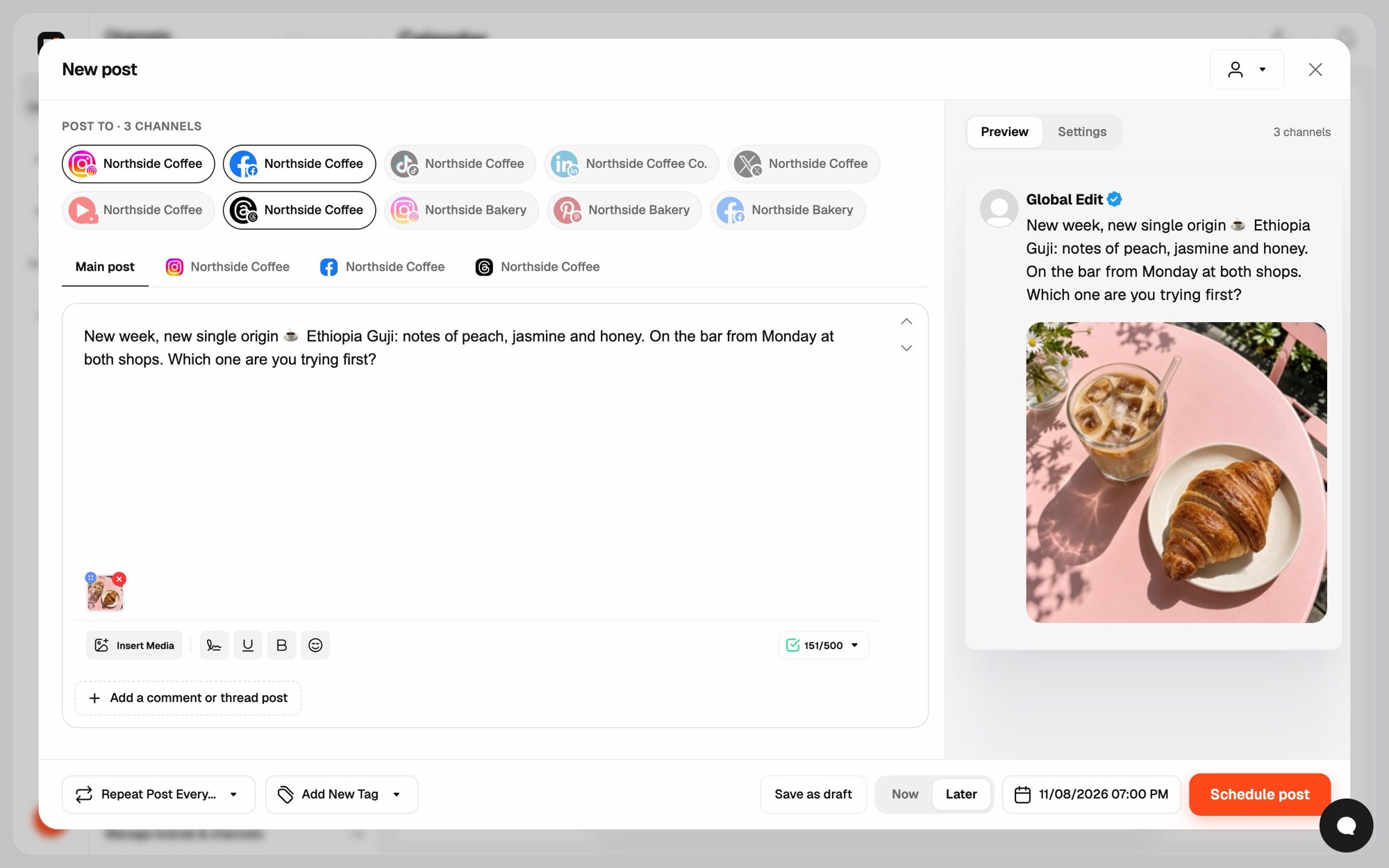
Meta Business Suite schedules Facebook and Instagram. If you also post to TikTok, LinkedIn or YouTube, BrokenPost puts all of them in one calendar: write once, pick your Facebook Page and other channels, and schedule.
Questions people ask
Can I schedule posts on my personal Facebook profile?
No app can post to personal profiles. Facebook only allows scheduling for Pages and some groups.
How long can a Facebook post be?
Up to 63,206 characters, but short posts get read. Keep it to a few lines.
Can I edit a Facebook post after posting?
Yes. Tap the three dots on the post and choose **Edit post**.