General: language and time zone
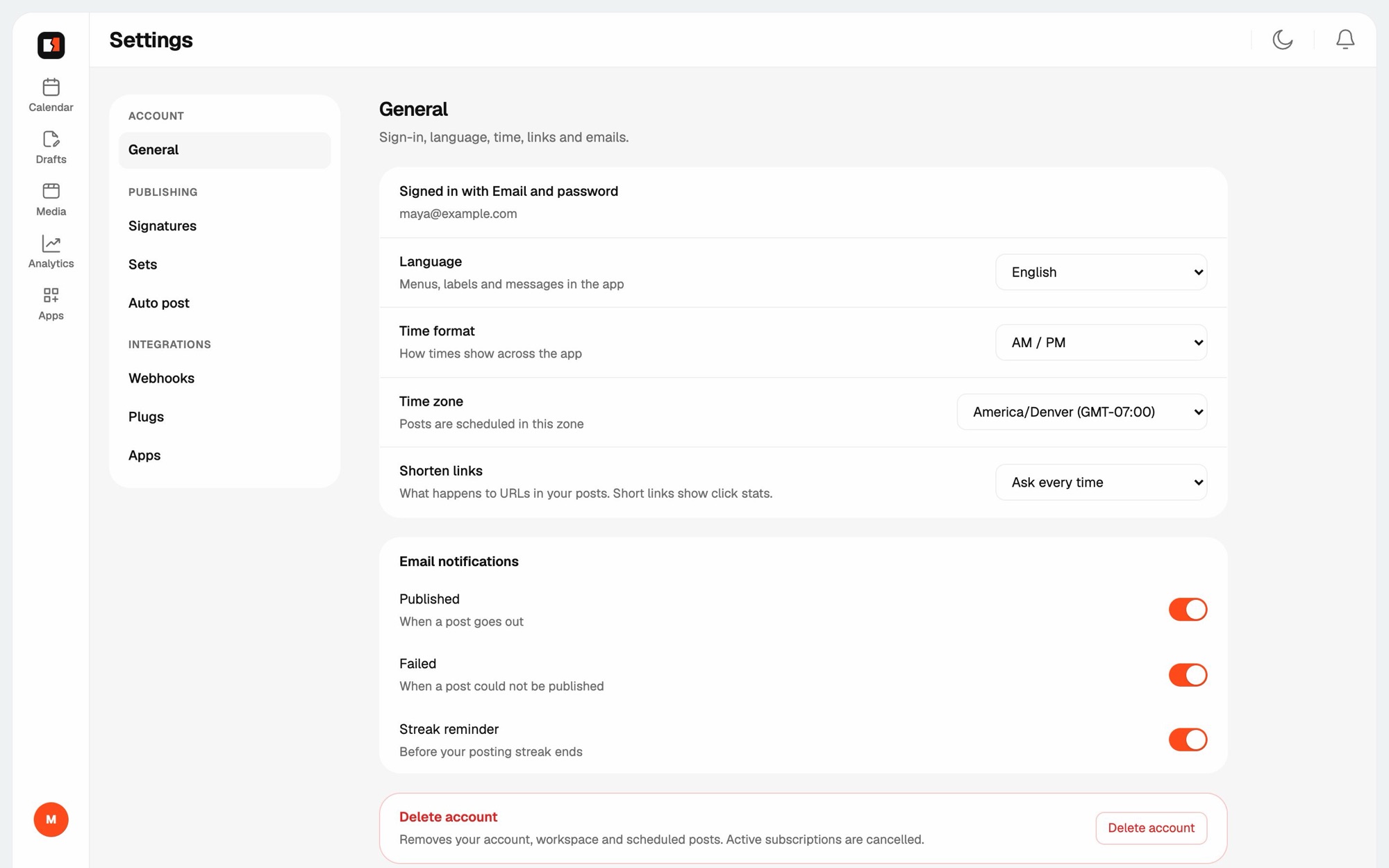
Click your avatar at the bottom left and open Settings. Set the app language, AM/PM or 24 hours, and your Time zone. Posts are scheduled in that zone, so set it to where your audience is if it differs from yours.
Signatures
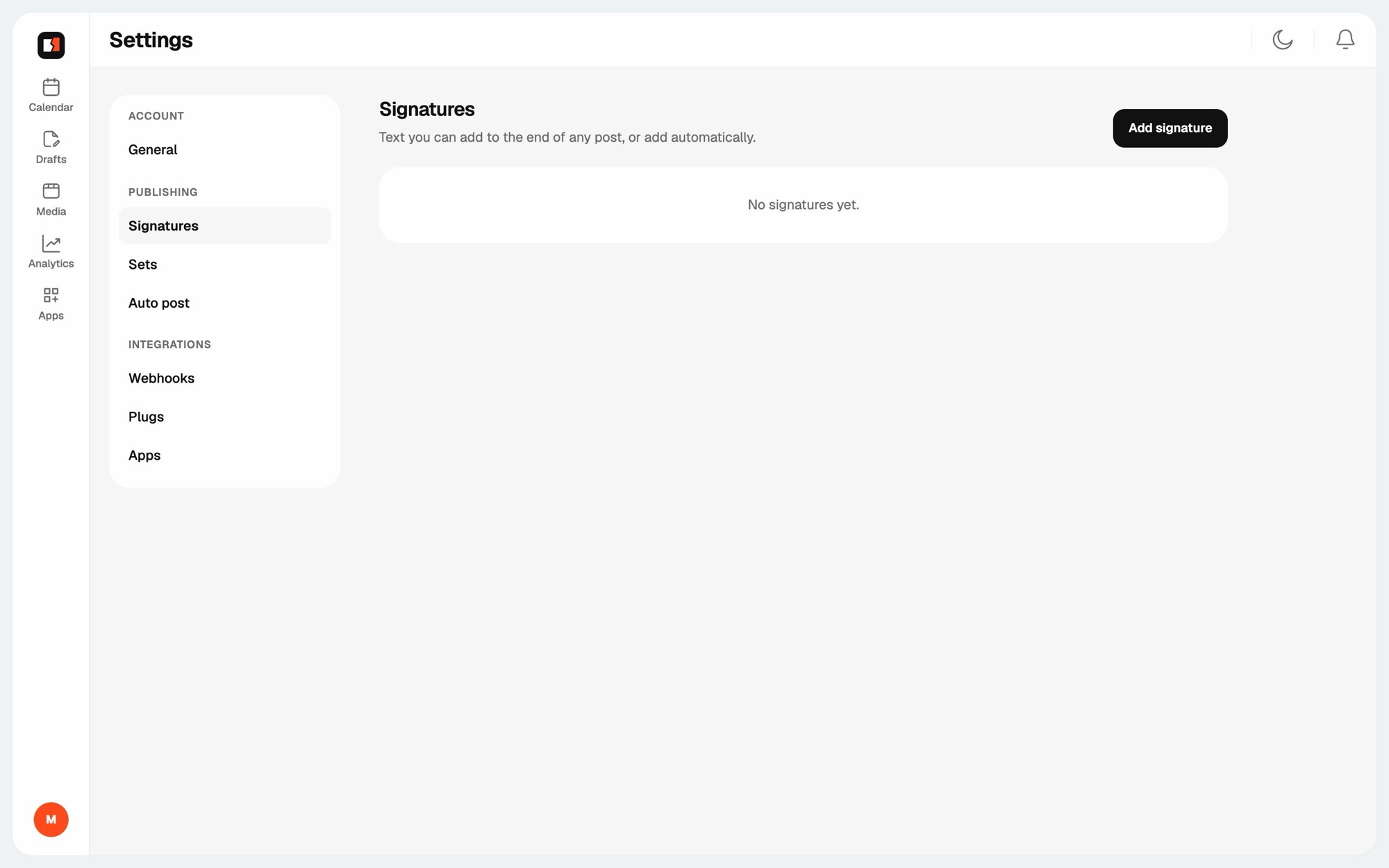
A signature is text you add to the end of any post: your website, a hashtag set, a call to action. Click Add signature, write it, and choose whether it is added automatically. In the editor, the signature button inserts it.
Sets
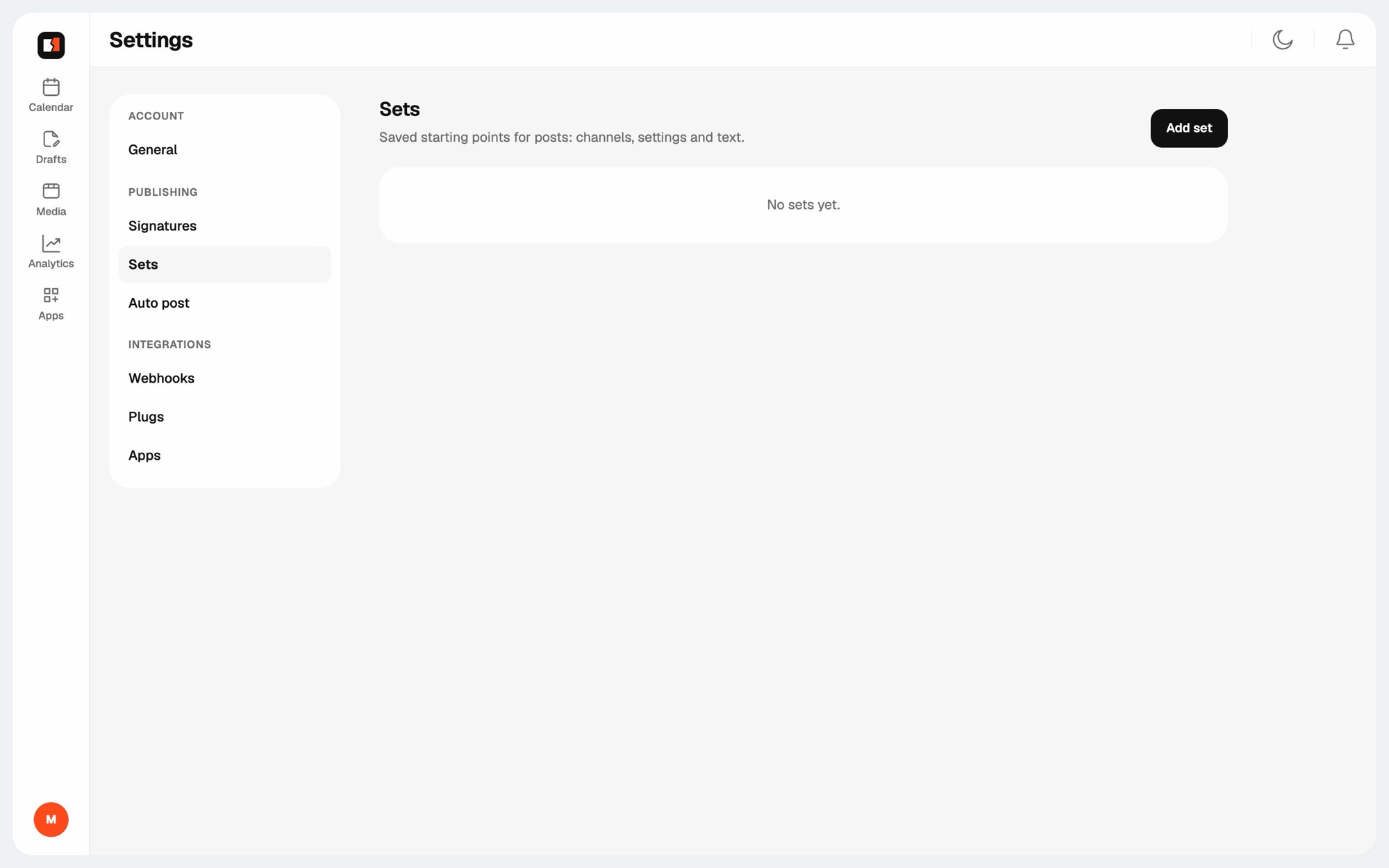
A set is a saved starting point: the channels, settings and text you use for one kind of post. Make one for "weekly menu" or "client A", and new posts start already filled in.
Auto post from a feed
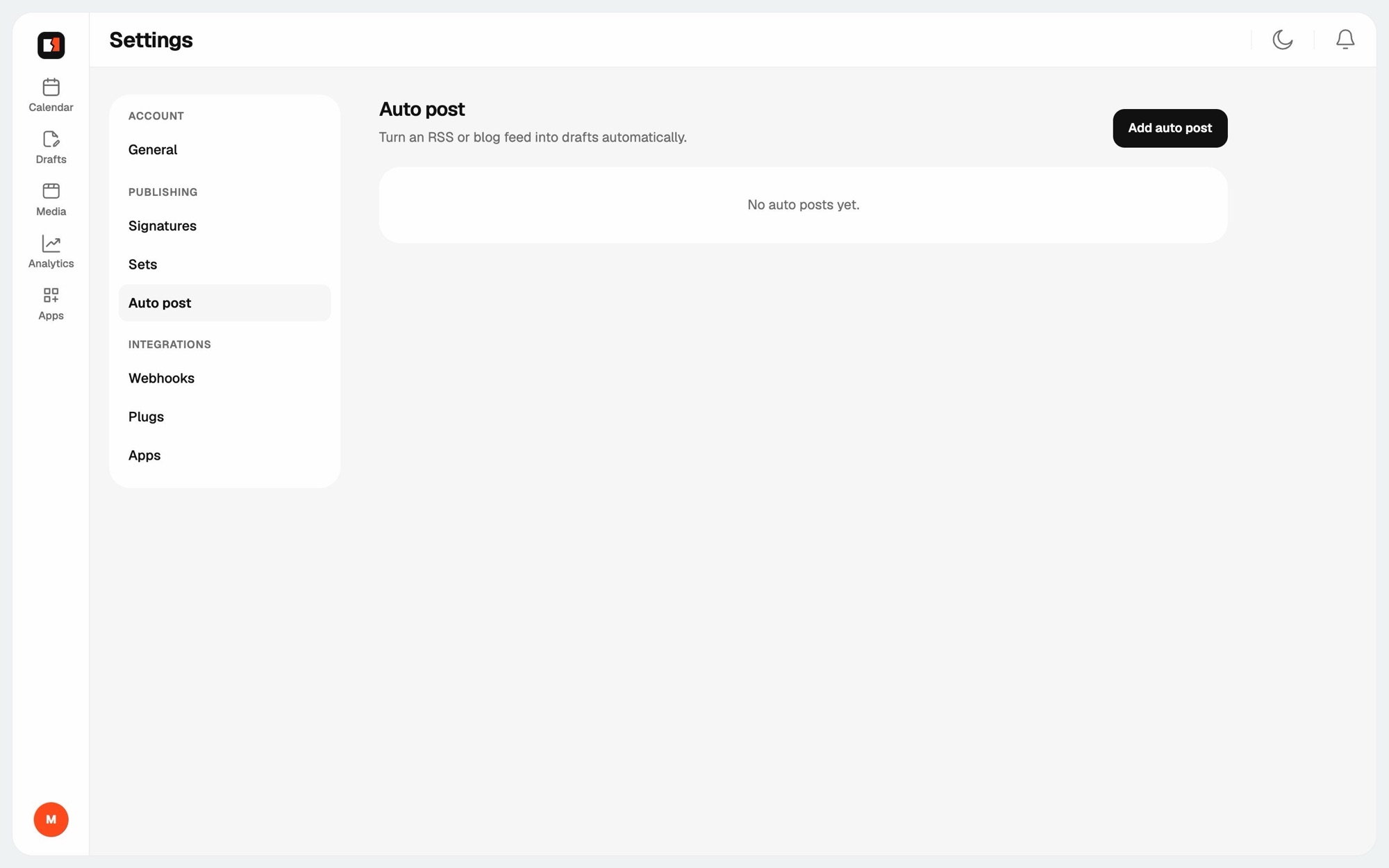
Click Add auto post and paste an RSS or blog feed link. Each new article becomes a draft with its link, ready to check and schedule. Good for blogs, news sites and podcasts.
Plugs: repost what works
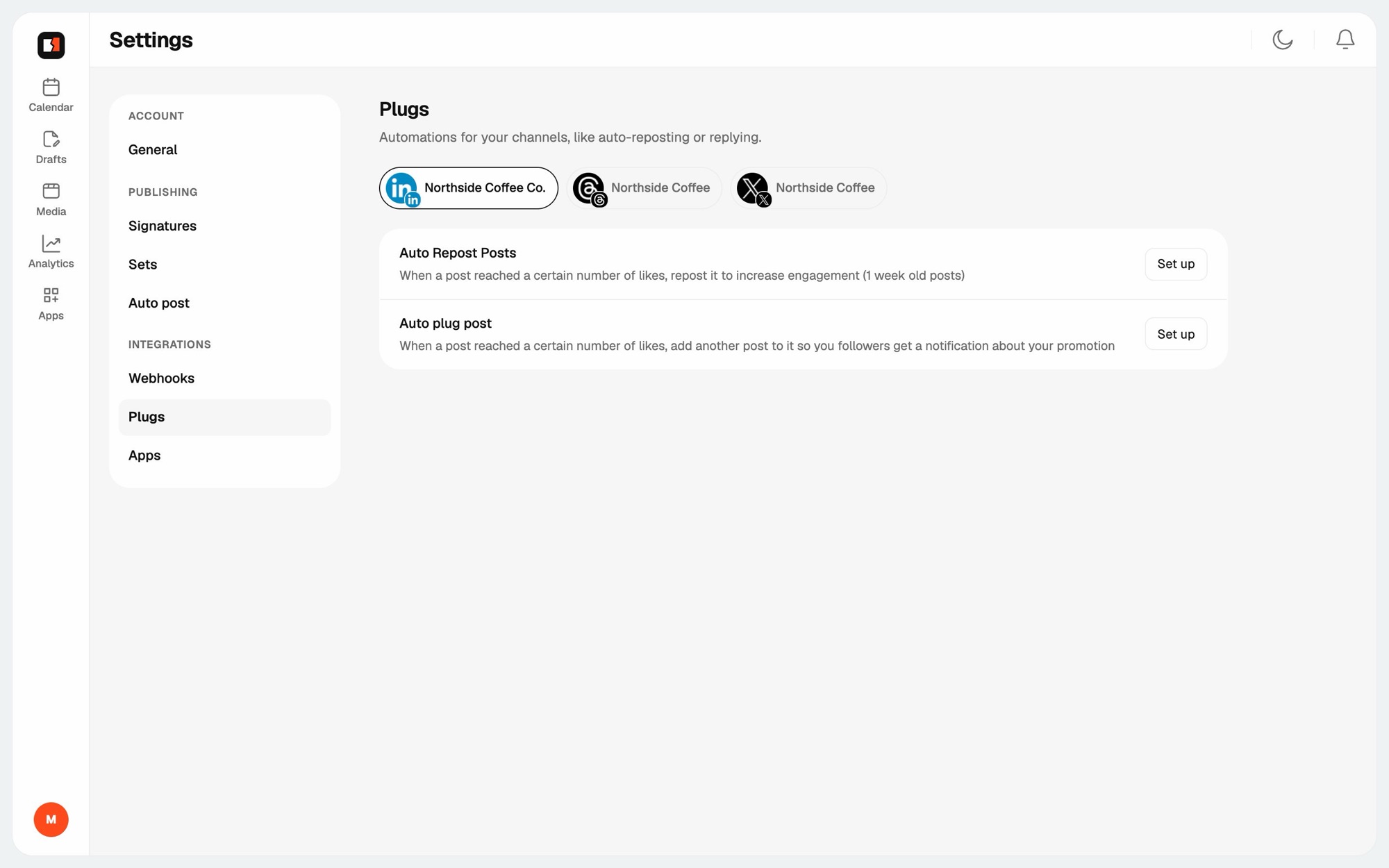
- Auto Repost Posts: when a post reaches a number of likes, repost it to reach more people.
- Auto plug post: when a post reaches a number of likes, add a reply to it, like a link or an offer, so followers get notified.
Pick a channel at the top, then click Set up on a plug. Plugs work on the apps that support them.
Questions people ask
Can a signature be added to every post automatically?
Yes. Turn on the automatic option when you create it.
Are auto posts published straight away?
No. They arrive as drafts, so you check them first.