Save a draft
Write as much as you have, pick channels and add media, then click Save as draft at the bottom of the editor. The post keeps everything, but nothing goes out.
Posts from Auto post feeds land here too, and you can ask your AI assistant to save its posts as drafts.
Find and finish drafts
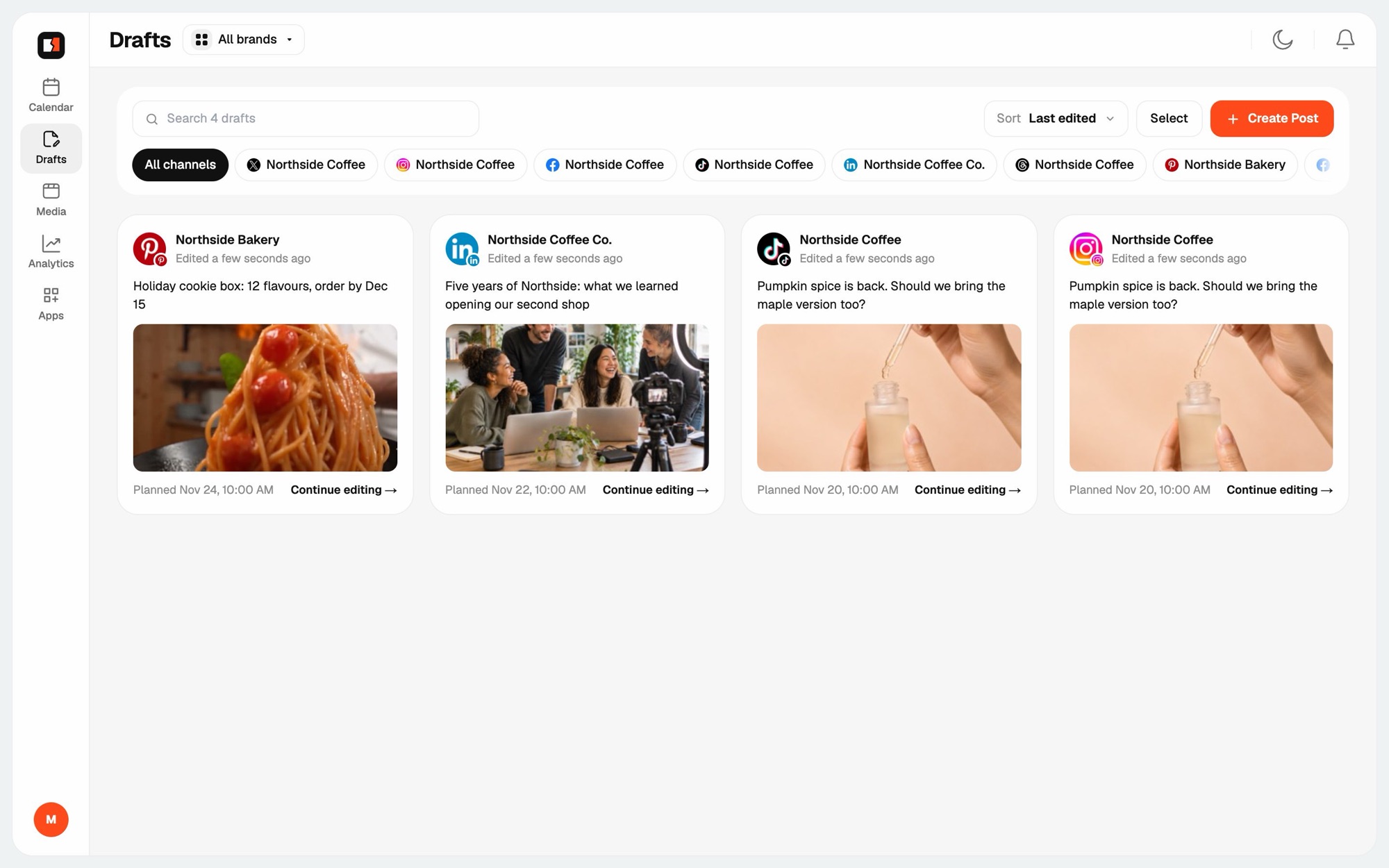
- Filter by channel with the row of buttons at the top, or by brand with the menu next to the title.
- Search drafts by text, and sort by last edited.
- Click Continue editing to open the draft, then schedule it.
Questions people ask
Can teammates see my drafts?
Yes. Drafts are shared with everyone on the team.