How to post on Bluesky
- 1
Open Bluesky and tap the pencil button (on desktop, click New Post).
- 2
Write your post. The counter shows how much is left.
- 3
Tap the picture icon to add up to 4 pictures or a video, and add alt text.
- 4
Tap + to add another post to the thread, if needed.
- 5
Tap Post.
Connect Bluesky to a scheduler
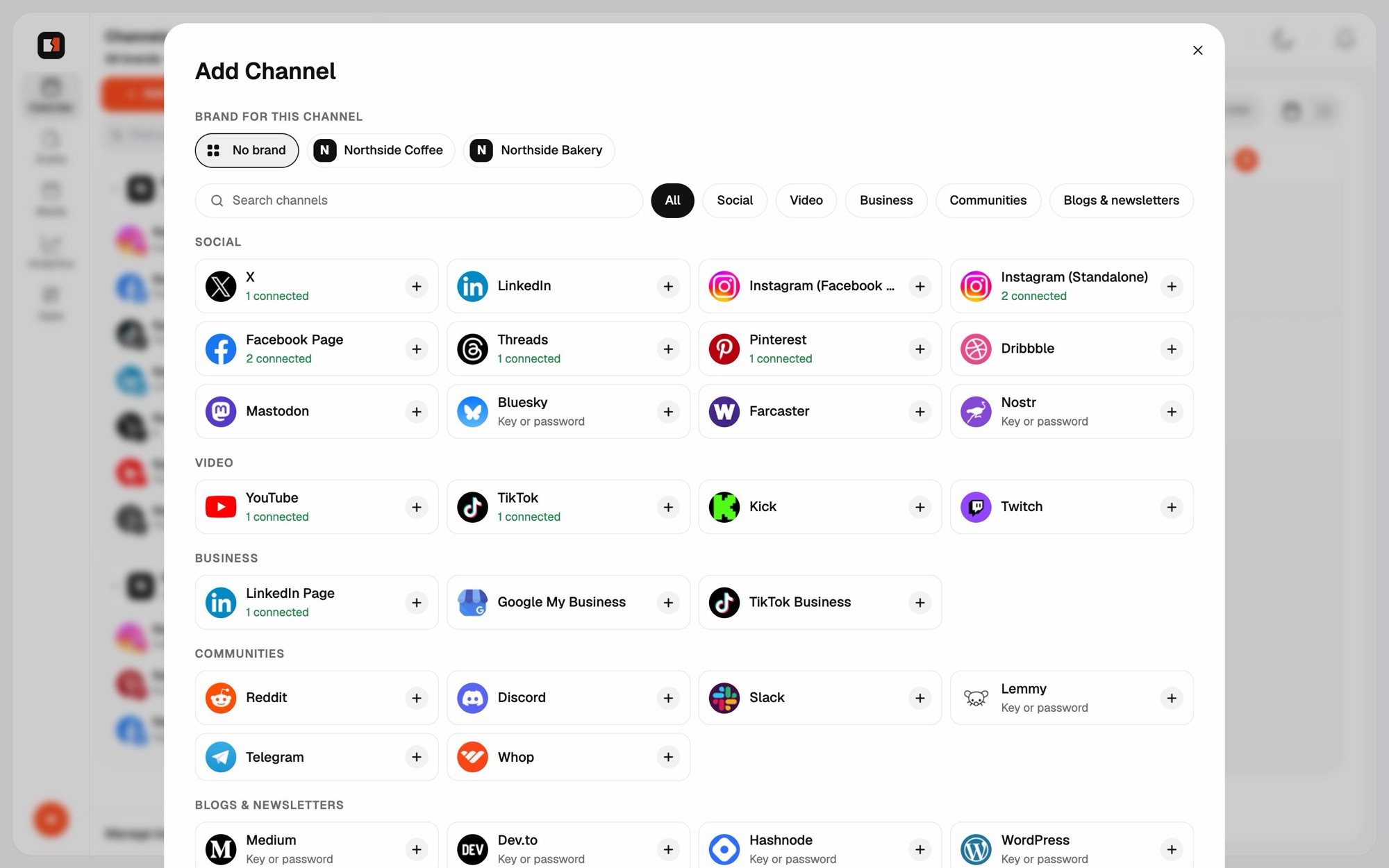
Bluesky uses app passwords for other apps, so you never share your real password. In Bluesky, open Settings > Privacy and security > App passwords, create one, and paste it into BrokenPost with your handle when you add the Bluesky channel.
Bluesky limits
| What | Limit |
|---|---|
| Characters | 300 characters |
| Media | Up to 4 pictures or 1 video, or text only |
| Pictures | Up to 4 |
| Video | 1, no other media |
| Threads | Yes, as replies |
Post to Bluesky, X and Threads at once
The three apps are close cousins. Write one short post in BrokenPost, pick all three, and schedule. The editor counts characters for the strictest one.
Questions people ask
How long can a Bluesky post be?
Up to 300 characters.
Can I schedule Bluesky posts?
Bluesky has no built-in scheduler. Use a scheduler with an app password.