How to post on X
- 1
Open X and tap the + button at the bottom right (on desktop, click Post in the left menu).
- 2
Write your post. The circle fills up as you near the limit.
- 3
Tap the picture icon to add up to 4 photos, a video or a GIF. Tap a photo to add alt text.
- 4
Tap Everyone can reply to limit who can reply, if you want.
- 5
Tap Post.
How to make a thread
Write the first post, then tap the + under it to add the next one. Keep adding until you are done, then tap Post all. Make the first post work on its own: most people only read that one.
What works on X
- One idea, said plainly. Cut every word you can.
- Pictures and short videos stand out in a text feed.
- Reply to others in your field. Replies build an audience faster than posting alone.
- Hashtags: one at most. They matter far less than on Instagram.
X limits
| What | Limit |
|---|---|
| Characters | 280 characters (4,000 for verified (Premium) accounts, up to 100,000 for articles) |
| Media | Up to 4 pictures or 1 video per post, or text only |
| Pictures | Up to 4 per post |
| Video | 1 per post |
| Threads | Yes, every extra part is posted as a reply |
| Articles | Long-form articles, saved as a draft or published |
Schedule X posts with BrokenPost
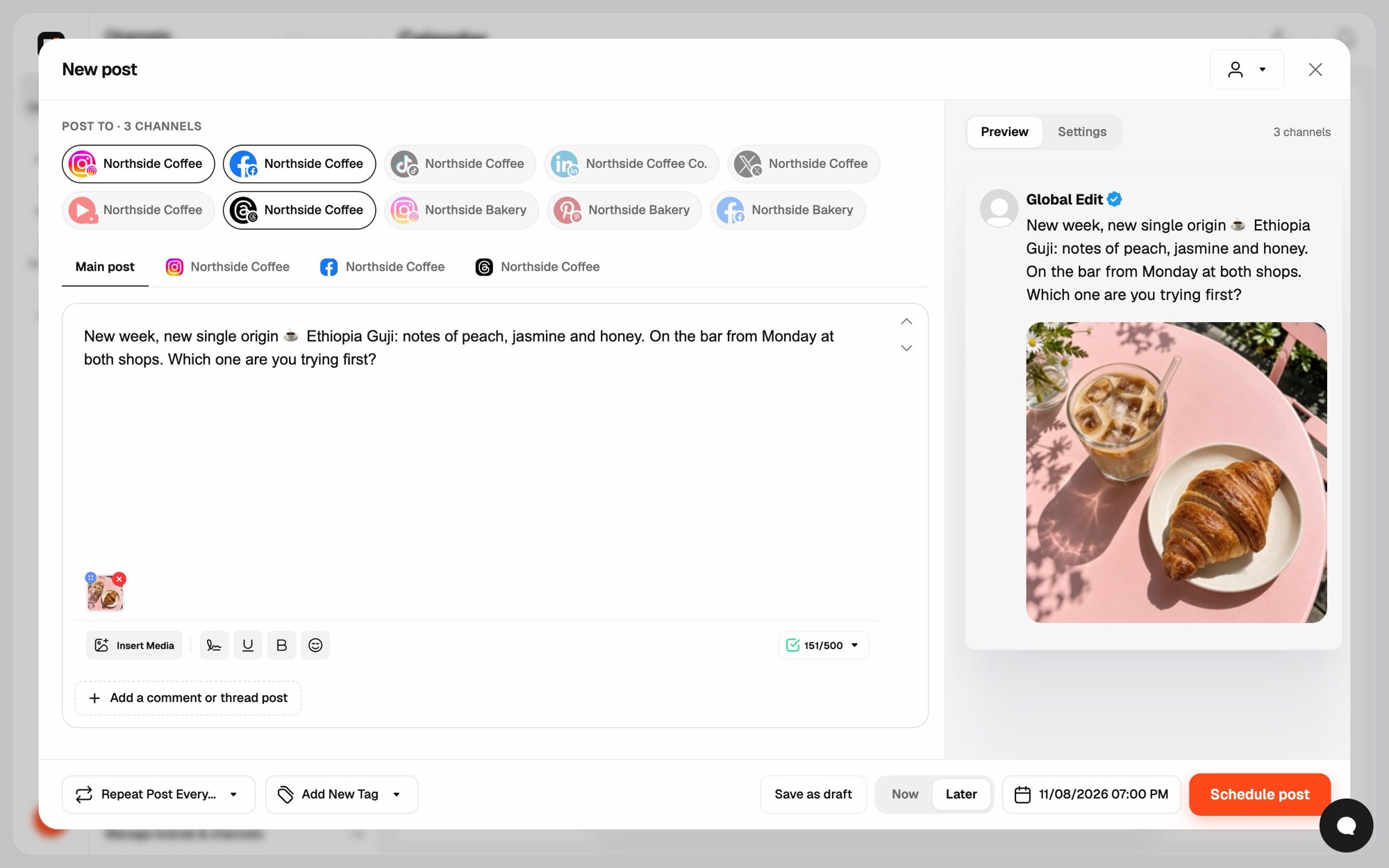
Write a post or a whole thread in BrokenPost and schedule it with your other apps. The editor counts characters for X, so a post that is too long gets flagged before it fails. X charges apps for posting, so it is on paid plans.
Questions people ask
How many characters can I use on X?
280 on a regular account. Premium accounts can write longer posts.
Can I schedule posts on X?
Yes. On desktop, click the calendar icon in the post box. Or use a scheduler for X and your other apps together.
Can I edit a post on X?
Premium accounts can edit a post for a short time after posting. Others need to delete and post again.