How to post a video on TikTok
- 1
Open TikTok and tap + at the bottom of the screen.
- 2
Pick a length and hold the red button to record, or tap Upload to choose videos from your phone.
- 3
Tap Next (or the check mark) to edit. Trim clips, then add Sounds, Text, Stickers, Effects or a voiceover.
- 4
Tap Next. Write a caption with a few hashtags, and tag people or add a location.
- 5
Tap Edit cover to pick the frame people see on your profile.
- 6
Set Who can watch this video, and whether comments, duets and stitches are allowed.
- 7
Tap Post, or Drafts to finish later.
How to post photos on TikTok
Tap +, then Upload, pick several photos, and tap Next. TikTok turns them into a swipeable photo post. Add a sound and text the same way as a video. Photo posts are good for tips, lists, recipes and before/after.
What makes a TikTok work
- Hook in the first second: a question, a bold claim or the result first.
- Text on screen: many people watch without sound.
- Short and complete: a 20-second video watched to the end beats a long one people skip.
- Use trending sounds when they fit, at low volume under your voice.
- Post regularly: a few times a week, and watch which videos people finish.
Filming tips: how to film short-form video on your phone.
TikTok limits
| What | Limit |
|---|---|
| Characters | 2,000 characters (2,200 for TikTok Business) |
| Media | 1 video, or 1 or more pictures, never empty |
| Video | 1 per post |
| Photo posts | 1 or more pictures (up to 35 for Business), no video mixed in |
| Text-only posts | Not allowed |
| Draft mode | Can send the post to your TikTok inbox to finish in the app |
| What | Spec |
|---|---|
| Size | 1080 × 1920 px, 9:16 |
| Safe area | Keep text above the bottom 20% and away from the right edge |
Schedule TikToks with BrokenPost
Upload your video, pick your TikTok account, and set privacy, comments, duets and stitches in Settings. You can post it straight away or send it to your TikTok inbox to add a trending sound in the app. The same video can go to Reels and Shorts in the same post.
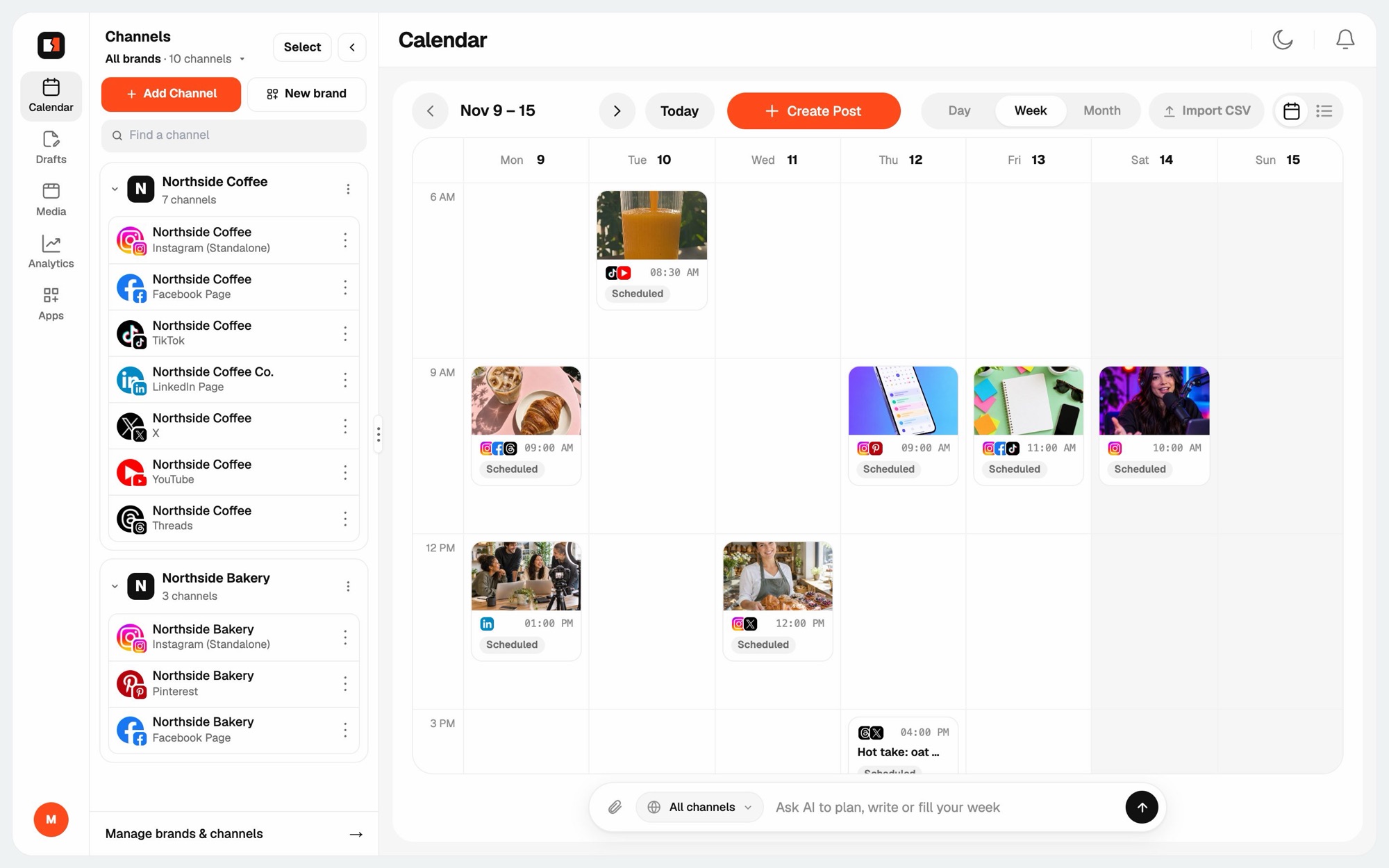
Full guide: how to schedule TikTok videos.
Questions people ask
How long can a TikTok video be?
You can record up to 10 minutes in the app and upload longer videos. Short videos are still the easiest to get watched to the end.
Can I post on TikTok from a computer?
Yes. Go to tiktok.com, sign in, and click **Upload**.
Why is my TikTok getting no views?
New videos are tested with a small group first. If people swipe away in the first seconds, it stops there. Work on the first second and post more often.