Camera settings
- Vertical, 9:16. Hold the phone upright, or use a stand.
- 1080p or 4K, 30 fps. 60 fps only if you plan slow motion.
- Use the back camera when you can. It is sharper than the selfie one.
- Lock focus and exposure: tap and hold on your face or product so it does not pump.
- Turn on the grid to keep the horizon straight and your eyes on the top third line.
Light and sound
- Face a window. Soft daylight from the front looks good on everyone. Avoid a window behind you.
- No window? One lamp or ring light in front, a little above eye level.
- Sound matters more than picture. Film in a quiet room with soft things around (curtains, a sofa). A $20 clip-on mic beats the phone mic from two metres away.
Framing and safe zones
Each app puts buttons on the right and the caption at the bottom. Keep faces, products and text in the middle of the frame, away from the bottom fifth and the right edge.
| App | Max length | Size |
|---|---|---|
| Instagram Reels | Up to 3 minutes | 1080 × 1920 |
| TikTok | Up to 10 minutes in the app | 1080 × 1920 |
| YouTube Shorts | Up to 3 minutes | 1080 × 1920 |
The first 2 seconds
People decide almost instantly whether to keep watching. Open with one of these:
- The result: the finished dish, the clean room, the after shot.
- A question your viewer has: "Why does your coffee taste bitter?"
- A bold line on screen and out loud, in the first frame.
- Movement: something already happening, not you saying hello.
Edit simply
- 1
Cut every pause and "um". Short clips of 1 to 3 seconds keep pace.
- 2
Add captions. Most apps make them automatically; fix the mistakes.
- 3
Add music low under your voice, or a trending sound if it fits.
- 4
Export at 1080 × 1920, 30 fps, without another app's watermark.
Then post it everywhere. Step-by-step for each app: Reels, TikTok, Shorts.
Post one video to Reels, TikTok and Shorts
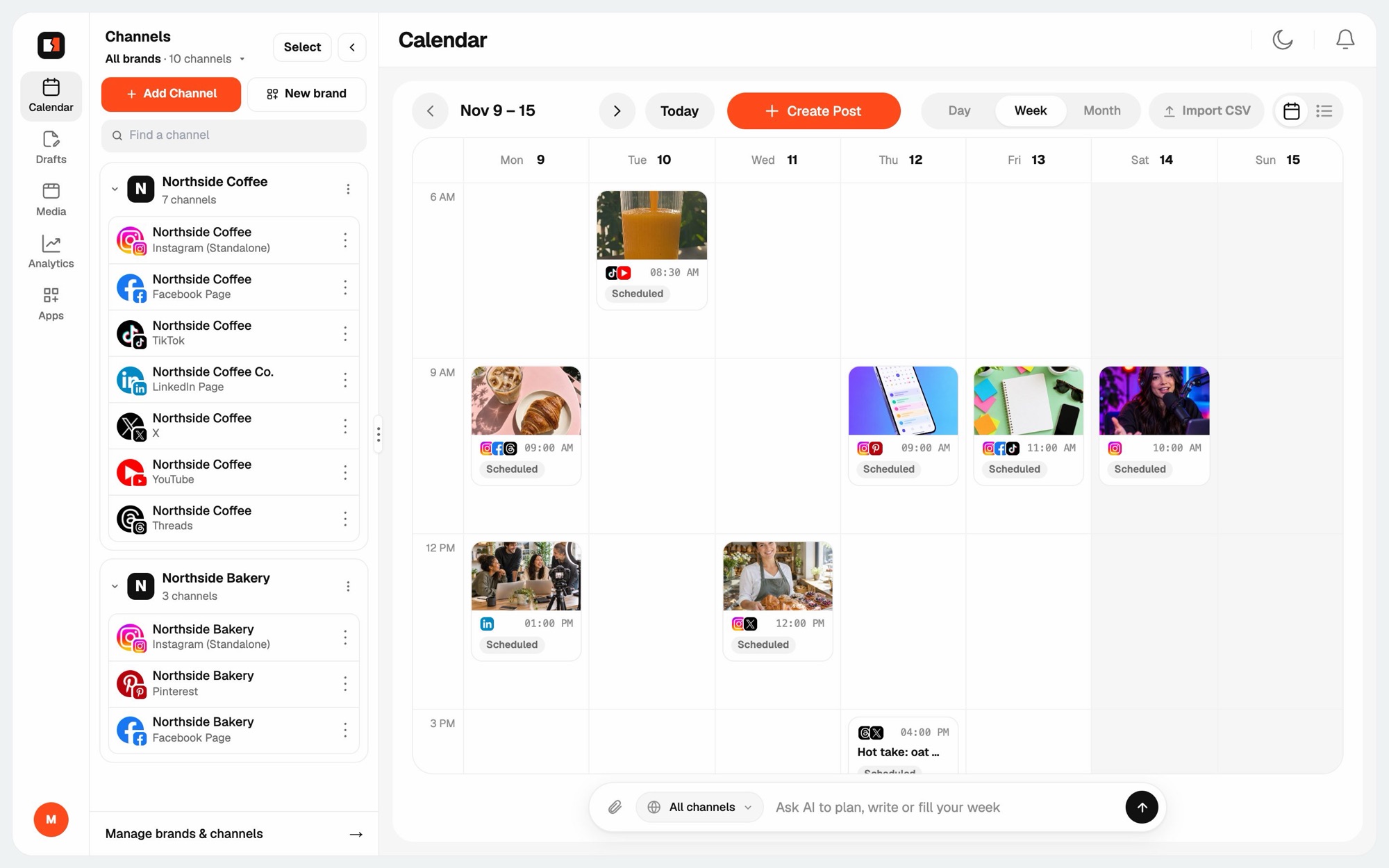
In BrokenPost, upload the video once, pick Instagram, TikTok and YouTube, set each app's options and caption, and schedule all three. Batch a week of videos in one sitting and let them go out on their own.
Questions people ask
Do I need a good camera to make Reels?
No. Any phone from the last few years is enough. Light and sound make the bigger difference.
Should I film in the app or with my camera?
Your phone camera app records better quality. Film there, then upload into the app or an editor.
How long should a Reel or TikTok be?
As short as the idea allows. 15 to 45 seconds is a good start.